As a new Technology Radar release with many interesting techs, a few drew my attention. I picked a few looked interesting for dotnet developer. Surprised by so many tools, frameworks around LLM application. It is definitely exploding. Techniques Adopt 1% canary: can achieve the similar results by alpha, beta testing. Azure cloud deployment slot… Continue reading A DotNet developer’s note on Technology Radar V31
DDD Perth 2024
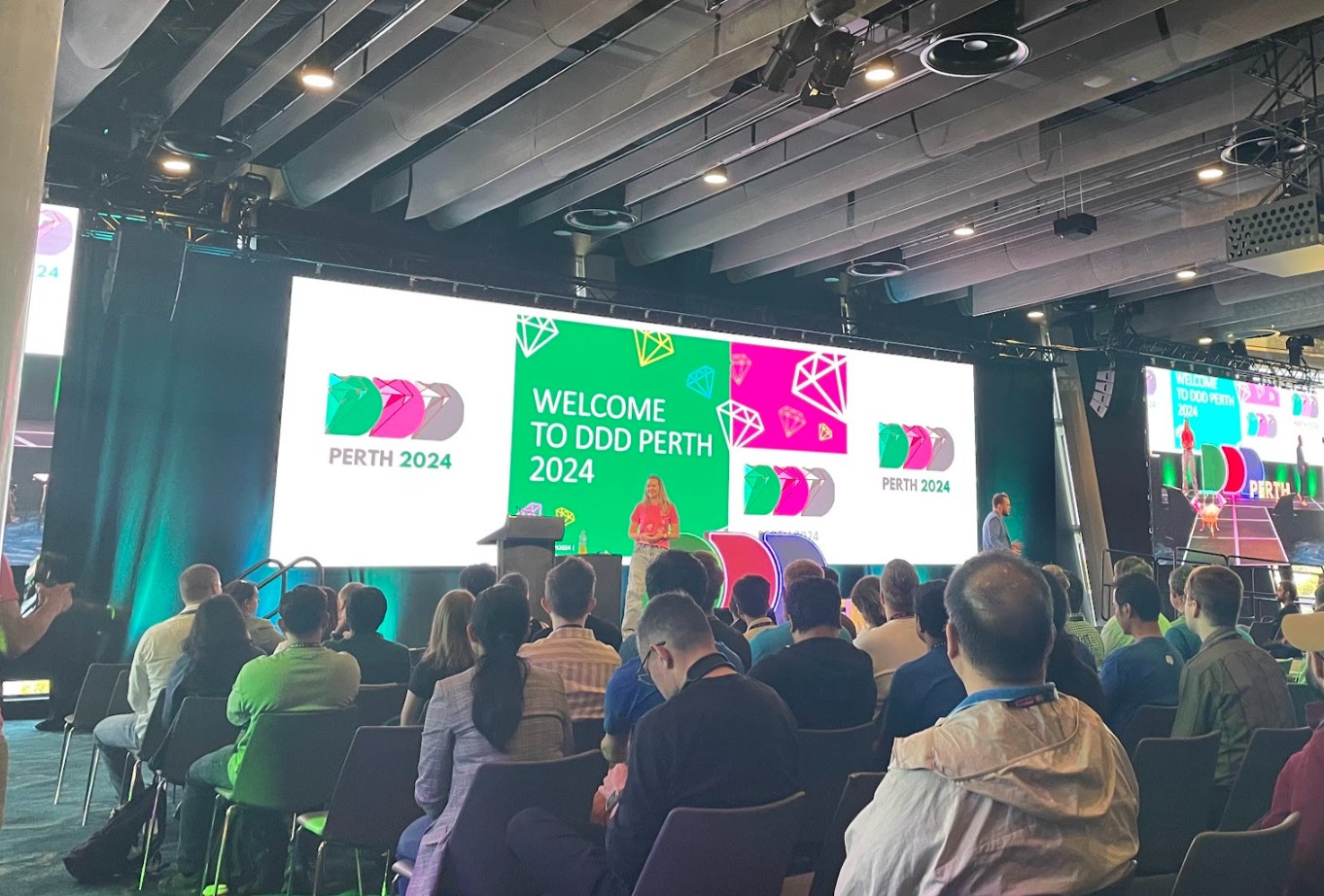
There was again DDD Perth 10th event at beautiful Optus Stadium in 2024. The event was the biggest ever as I remember. Below are the talks I joined. I skipped all the 20 minutes or shorter talks as these are just scratching the surface session. Exploring the Latest in Multimodal Generative AI Presented general idea… Continue reading DDD Perth 2024
HangFire Anti-Pattern – Having independent HangFire instance
It is my experience of anti-pattern of HangFire implementation. We have multiple applications that needs HangFire feature. The idea was to be scalable and centralized at the same time. We figured out that it’s possible to install a HangFire as a separate windows service having its own database. We set up Hangfire Dashborad as a… Continue reading HangFire Anti-Pattern – Having independent HangFire instance
The total cost of owning a car

General Advise When I was buying the first car of my own, my seniors at the company gave me two main pieces of advice. 1. Buy a used car. This is because I’m still inexperienced in driving, so I could often scratch or ruin my car related to minor accidents. 2. The budget should be… Continue reading The total cost of owning a car
If you are considering an IT university/postgraduate program at UTS in Australia
The two years of graduate school that I thought I could prepare, change, and decide a lot in two years came to an end. In hindsight, the disappointment is much greater than what I gained. Sometimes, I think that the University of Technology, Sydney, or other universities in Australia are similar, so I summarize my… Continue reading If you are considering an IT university/postgraduate program at UTS in Australia